
 QC 2 photos
VIEW ITEM
QC 2 photos
VIEW ITEM
02 / TEES
LoveGoBuy spreadsheet t-shirts.
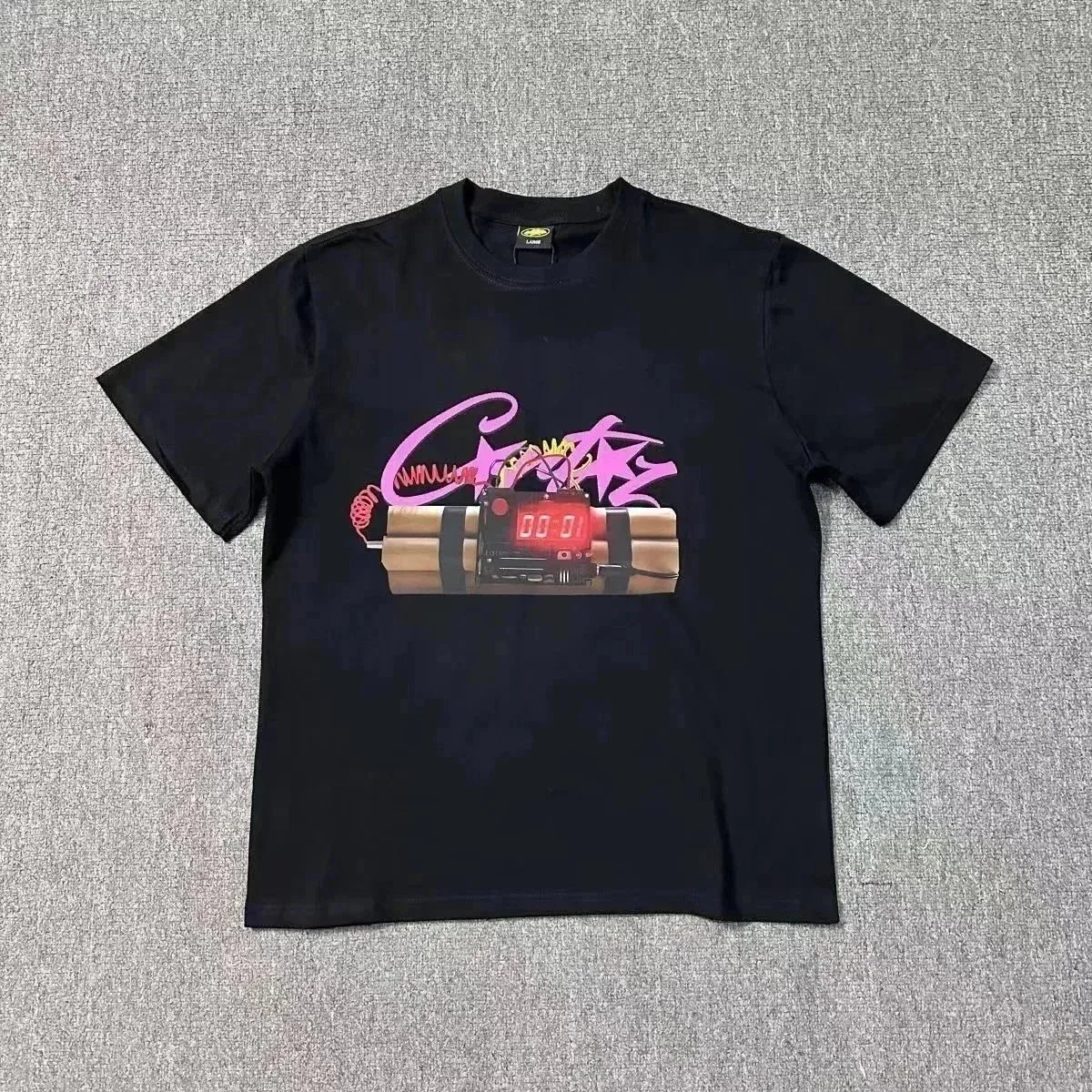
Browse graphic and logo T-shirts. Compare the print, cut and listed price, then check the available color and garment measurements on the product page.
QC badges appear only when photos are listed in the saved data; check the live listing for current images.
Explore all spreadsheet findsSelected products




CATEGORY NOTES / T-SHIRTS
Choosing T-shirts from a LoveGoBuy spreadsheet
The T-shirt edit is heavy on graphic prints and logo placements. For a useful comparison, look past the front image: the cut, fabric description and actual garment measurements matter as much as the graphic. A saved card title can help you shortlist a style, but the live seller page is where you must confirm the exact variant.
In this saved selection, 12 of 12 listings show a positive source QC photo count. This indicates listed photos, not a verified inspection of your chosen item.
What changes between T-shirt listings
| Detail | Why it matters | What to check |
|---|---|---|
| Fit | Oversized and regular cuts can share the same letter size | Chest width, length and shoulder measurement |
| Placement and scale vary by size or batch | Full front and back images, close-up of print edges | |
| Fabric | Weight affects drape and opacity | Material listing, fabric weight if supplied, collar detail |
A quick T-shirt QC checklist
- Match the color, size tag and graphic position against your selected listing option.
- Look at collar shape, side seams and the back of the shirt rather than judging from one folded photo.
- Ask the seller about fabric composition or measurements when they are absent; a photo cannot establish fabric weight.
For a fabric description that says only “cotton blend,” use our clothing fiber-label analysis to identify the missing details. A mixed fashion haul with graphic T-shirts shows how one buyer separated first impressions from an after-wash observation.
T-shirt spreadsheet questions
How should I choose between two graphic tees?
Compare the actual measurements and full garment photos first. Then judge print placement, color and price for the size you want.
Can a QC count confirm the print quality?
The badge reports how many photos the saved data lists. Inspect the images themselves and, for an agent order, review the photos of your own warehouse item.